GTA 6 Graphics Downgrade? PS5 Pro Players Blame Update 01.002.002
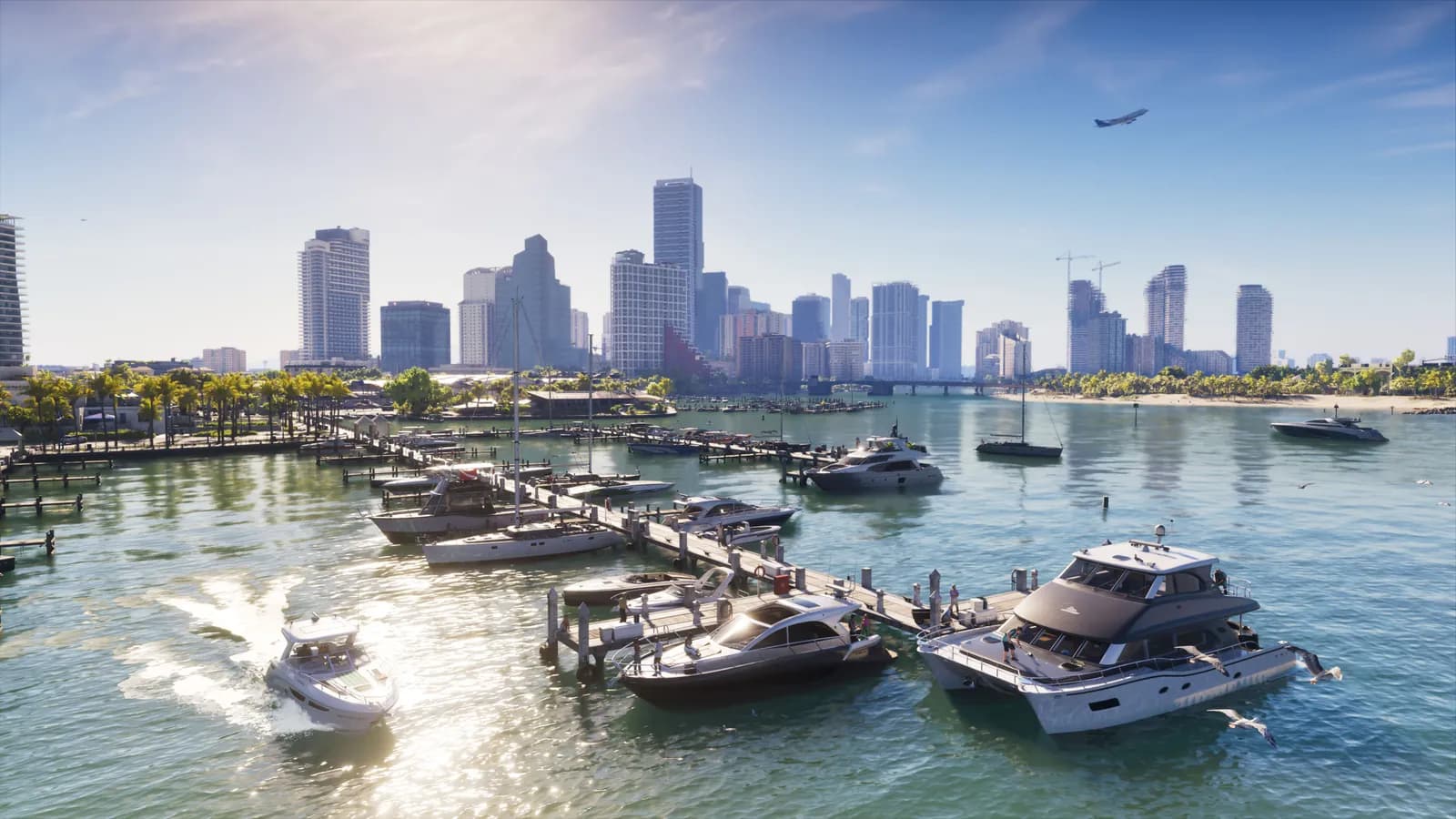
Some PS5 and PS5 Pro players say GTA 6 looks blurrier after update 01.002.002. Rockstar's patch notes list no graphics changes. Here's what we know.
A growing number of Grand Theft Auto VI players on PlayStation 5 and PS5 Pro are convinced the game looks worse since its first post-launch patch. Update 01.002.002 arrived on November 23 to fix crashes, stuck weather and autosave problems, but Reddit threads now claim it also lowered visual quality. Rockstar has not confirmed any graphics change, so here is a clear look at what players are reporting and what is actually confirmed.
What players say changed
The discussion took off on the r/GTA6unmoderated subreddit, where several users posted comparisons and descriptions of the game before and after the update. Reports collected by Notebookcheck and Sportskeeda include:
- Textures: objects in the world look blurrier and less detailed.
- Lighting: sunrises and sunsets reportedly lack the punch they had at launch, and global illumination looks less convincing.
- Clouds and water: clouds look pixelated, and wet surfaces after rain look hazy or washed out.
- Characters: faces and hair on Jason, Lucia and NPCs appear softer.
- Distance detail: more pop-in and a stronger depth-of-field blur on far-away objects.
One player said Rockstar Support suggested clearing the console cache, but that it did not fix the issue for them. Not everyone agrees there is a difference at all, and many players report the game looks the same as before.
What Rockstar's patch notes actually say
The official notes for 01.002.002 only list bug fixes: crashes, weather that could get stuck, failed autosaves, missed story phone calls, Wanted Level issues and a couple of small gameplay bugs. There is no mention of graphics settings, resolution, upscaling or performance tuning. Rockstar has not commented publicly on the downgrade claims.
Why some players think it was deliberate
The main theory is that Rockstar trimmed visual settings to make performance more stable. GTA 6 runs at a 30 FPS target on consoles, and Digital Foundry previously recorded frame rate dips in busy areas even on PS5 Pro. There have also been scattered reports of consoles running hot. A small cut in visual quality would ease that load. Some PS5 Pro owners also suspect changes to the PSSR upscaling, which could explain why distant objects look softer.
Fans have pointed to a similar moment with Red Dead Redemption 2, when a patch on PS4 Pro and Xbox One led to complaints about lighting and shadows. A later update added HDR improvements that settled most of those concerns.
Is the downgrade confirmed?
No. Right now this is based on player reports and screenshots, not an independent technical test. Screenshot comparisons can be misleading because GTA 6 has dynamic weather, time of day and HDR settings that change how scenes look. Until a detailed before-and-after analysis appears, or Rockstar says something, the downgrade remains unconfirmed.
What you can try
If you think your game looks worse, players have suggested a few simple checks: fully restart the console, make sure the update installed completely, and review your HDR and display settings. These steps are worth trying, but there is no official fix because Rockstar has not acknowledged a problem.
We'll update our coverage if Rockstar responds or a technical outlet tests the patch.
FAQ
Did GTA 6 update 01.002.002 downgrade graphics?
It is not confirmed. Some PS5 and PS5 Pro players report blurrier textures and weaker lighting, but the official patch notes only list bug fixes, and Rockstar has not commented.
What did update 01.002.002 fix?
It fixed crashes, stuck weather, autosave failures, missed story phone calls, Wanted Level issues and a couple of minor gameplay bugs.
Which consoles are affected?
Most reports come from PS5 Pro owners, with some from standard PS5 players.
- GTA 6
- Update 01.002.002
- PS5 Pro
- PS5
- Graphics
- Patch
Explore more: GTA 6 map · characters · beginner guide · live feed